Polytoria 2.0 Progress Report #1

Hello there! I'm mawji 👋, developer of the 2.0 Client/Creator (also known as the Godot Client). We've been working on the upcoming client/creator since August, and we've made a lot of progress since then. So let's go through them!
Warning! 2.0 is still in development so things shown in this blog post could change at any time!
Cover image: 15 Seconds by phoe
Client
We've rebuilt the client from the ground up using the Godot game engine. Godot is an amazing open-source game engine which gives us full control over the underlying architecture and how things work internally. This makes the client much more flexible and significantly easier to maintain.
Besides just rebuilding the client, we've also added a lot of new things and changed things here and there. Let's see what's new!
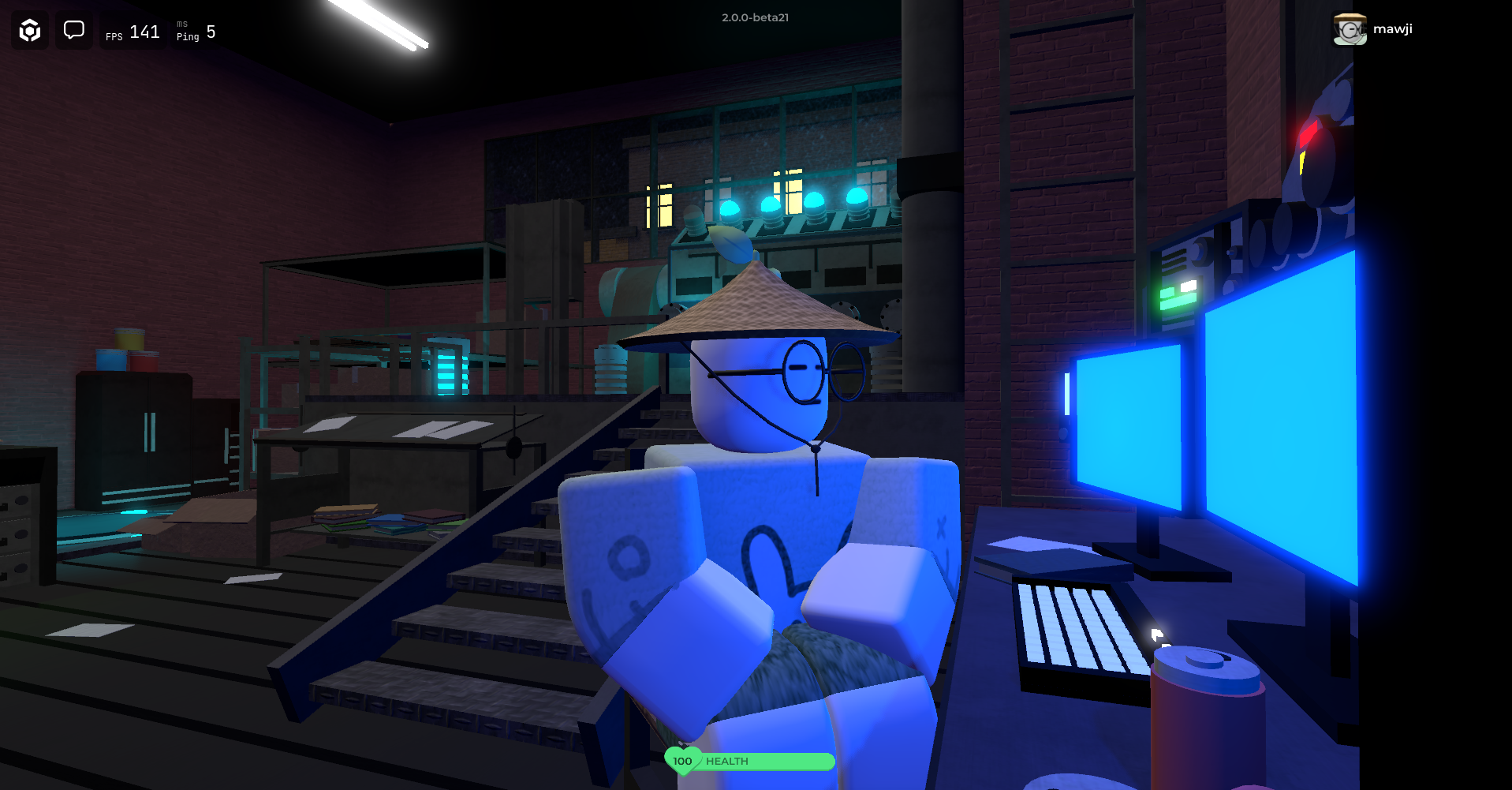
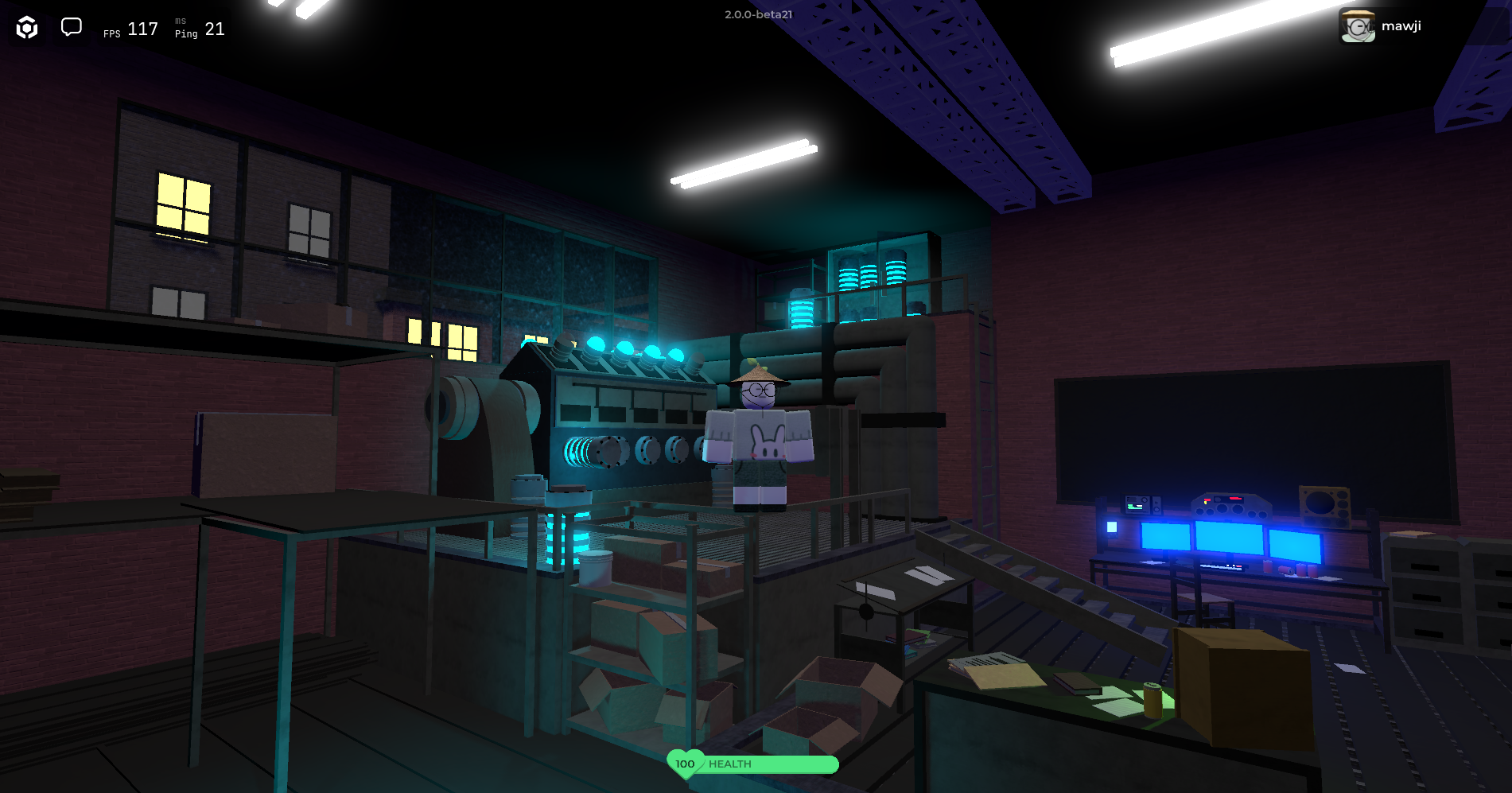
5-AM [Showcase] By ZL3X Running on the new client
New Character
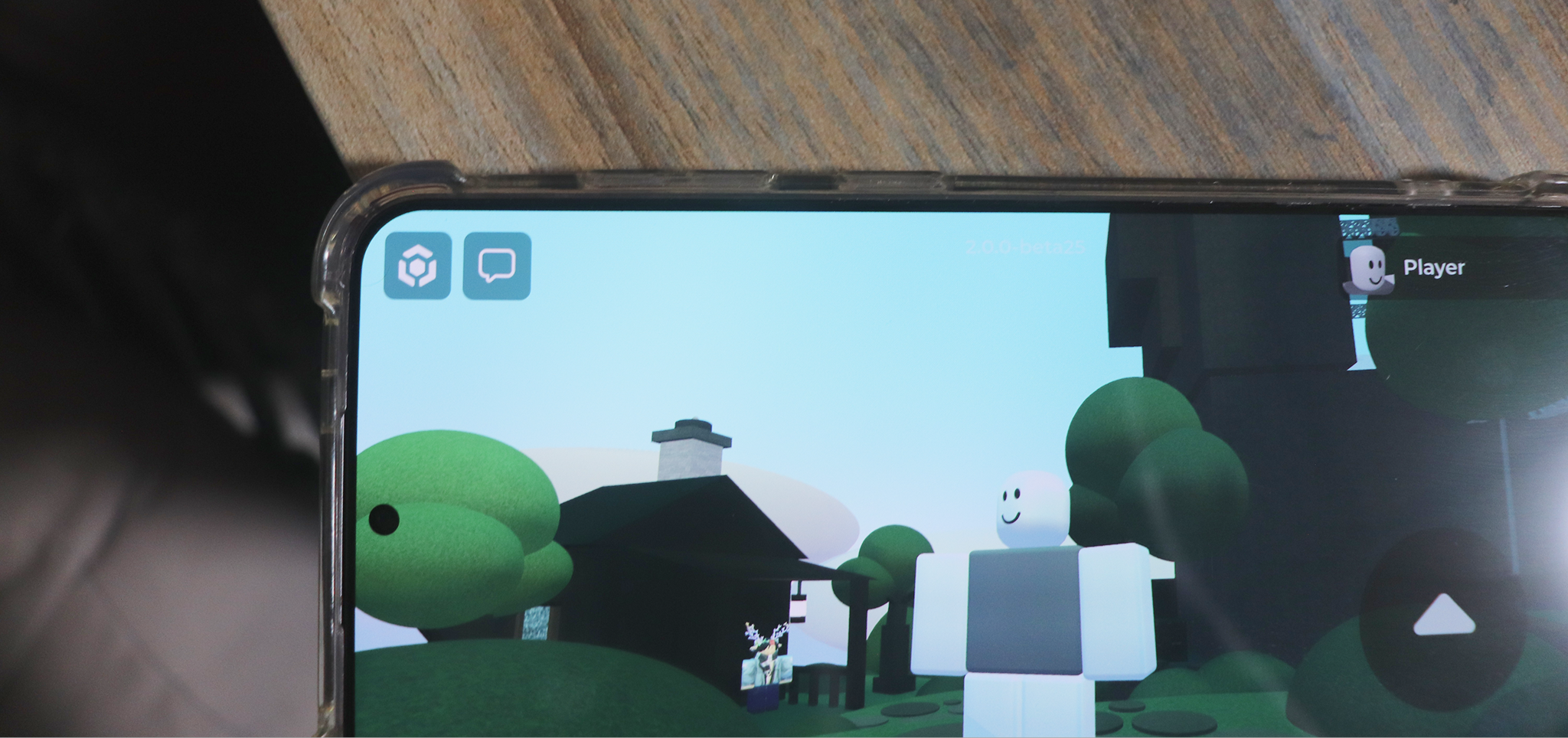
The first thing you'll notice is our new character. Limbs can now bend which makes the character more flexible and allows for more complex animations.
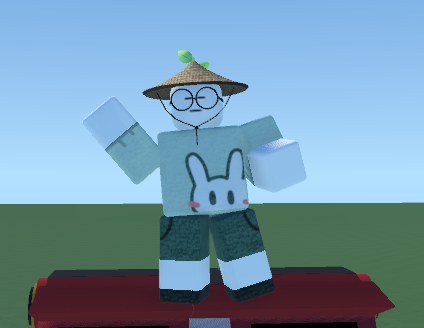
Speaking of animations...
New Character Animations!
All animations have been completely revamped to make use of the new character (credits to @Tsuwuki). Check out some of them below!
Walk and Run
Dance Dance Dance Dance Dance Dance Dance Dance Dance
New User Interface
The user interface of the client has also been overhauled. Here's a sneak peek of some of the new UI!
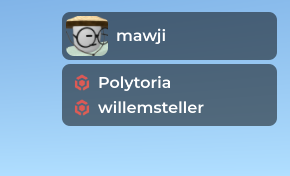

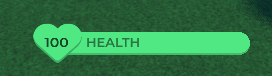
New HUDs
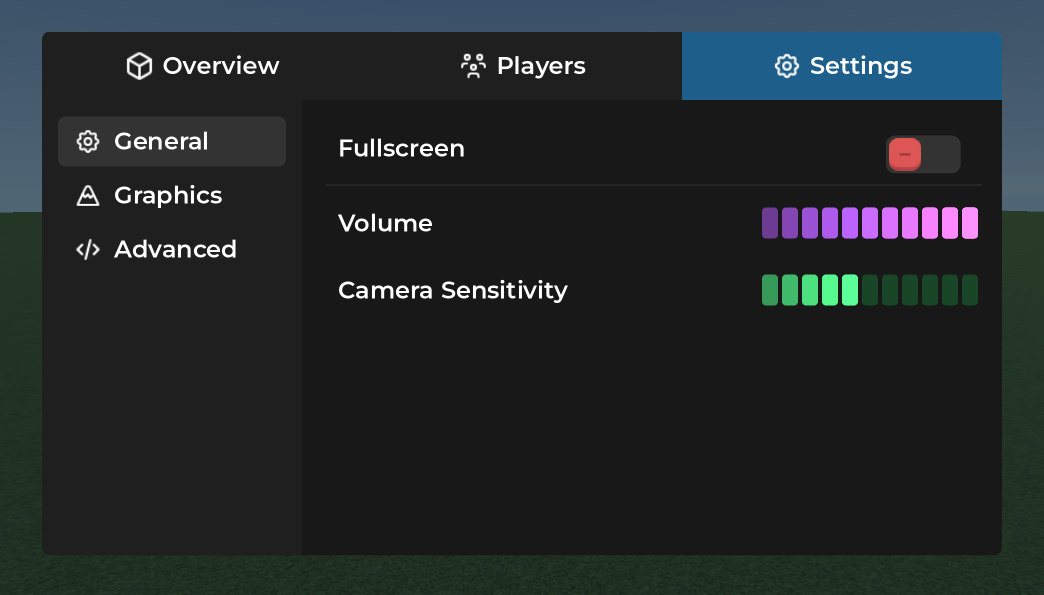
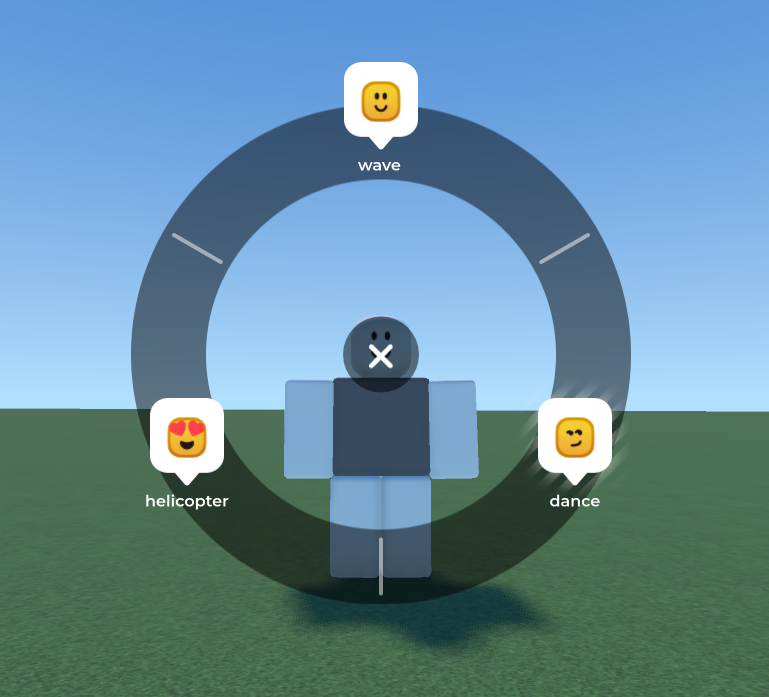
We've also added an emote wheel instead of having to type emotes in chat!
Another commonly asked feature was the ability to rearrange tools in your inventory, which is now possible!
Rearrangeable tools in inventory
Controller support
Controller support has also been improved compared to the current client. Beside moving around you can now also interact with menu's and your inventory using a controller.
Creator
The biggest changes coming with 2.0 are oriented to developers. We've completely rebuilt the creator from the ground up and eliminated most of the issues that are present with the current creator. We're also introducing many new features with 2.0 which are aimed at improving developer experience and the places you can make. Beware, much technical stuff ahead, but let's see what's new!
Reinventing the project format
With 2.0 we're introducing a file-oriented approach for managing your projects. While previously your places lived in a single .poly file, 2.0 treats projects as separate folders. Lua scripts live separately as .lua files on your file system which then can be linked to one or multiple scripts. This means you can reuse the same Lua script multiple times without having to duplicate scripts which makes it easier to manage your code. For example, you can now have a single KillBrick.lua file linked to multiple kill bricks and only have to update a single script to apply changes to all parts.
Not only scripts can be managed more easily... this applies to models too! You can now save instances to your file system and manage them all at once, similar to prefabs in Unity or scenes in Godot. Changes to the saved model will be applied automatically to copied instances of it in your place! You can for example create a tree model, place it in the environment, and if you ever decide that you don't like the color of the leaves you can change them all at once!
Not only allows this new project format to better organize your places, but it also opens the door for better collaborative tools such as Git.
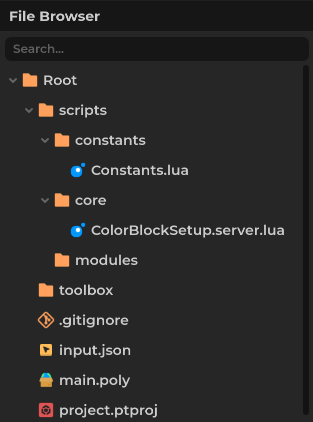
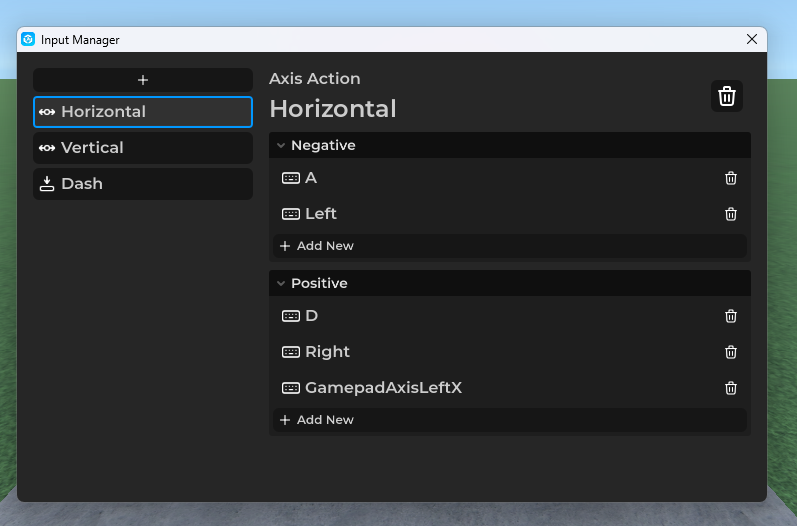
Input management system
Introducing the new Input map system! With 2.0, you can define key bindings more easily in your places. The input map can have multiple actions, and each action has its own types such as buttons, axis or vectors. This makes it easier to add support for controllers without having to modify your code a lot.
Improved Lua scripting
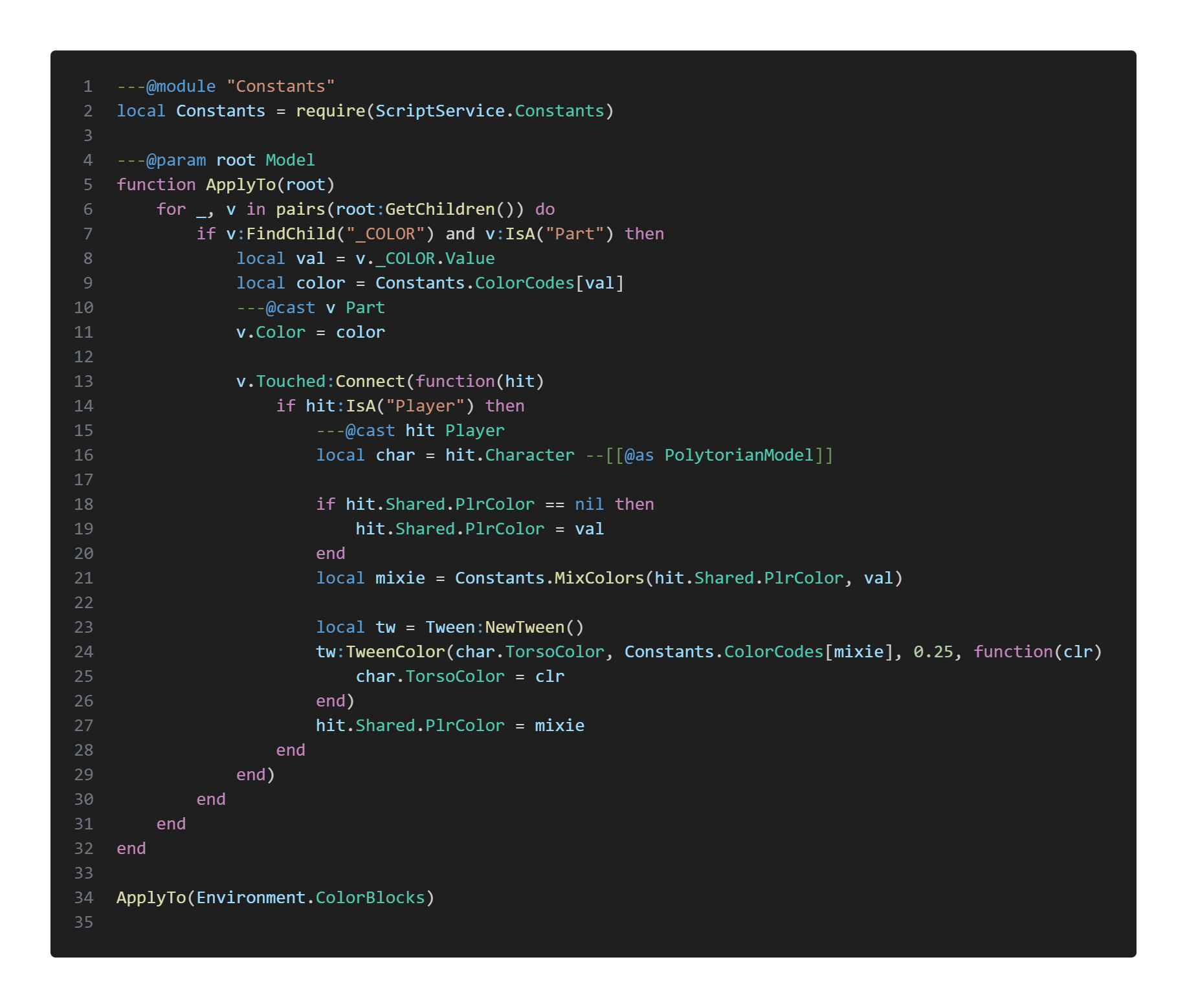
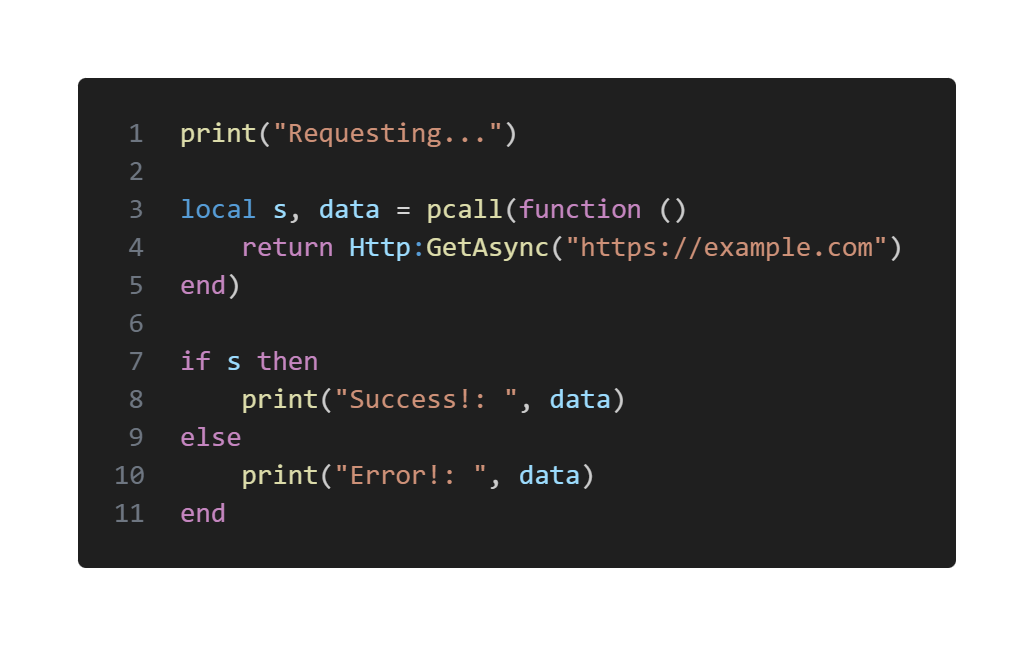
We're changing our Lua backend from MoonSharp (a Lua 5.2 implementation in C#) to a direct interface to Lua. This allows us to extend what's not possible (or rather difficult) with our current backend, such as asynchronous functions, the ability to do game.Environment instead of game["Environment"], and gives us a massive boost in performance.
Tagging system
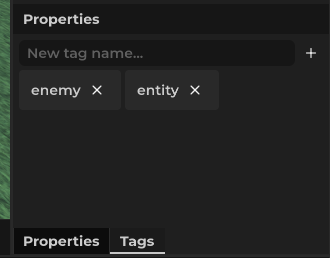
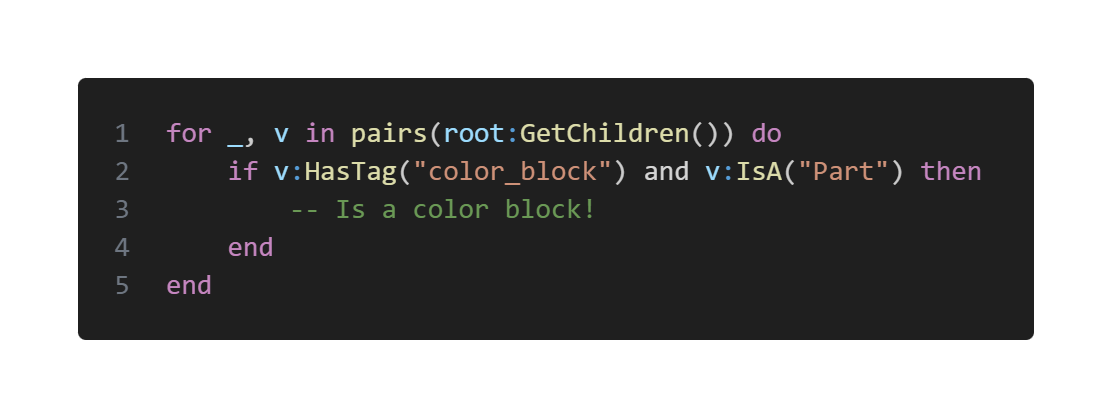
We're also introducing a tagging system to instances in 2.0. Instances can now have multiple tags attached to it which allows you to categorize and quickly detect the kind of instance without relying on it's name.
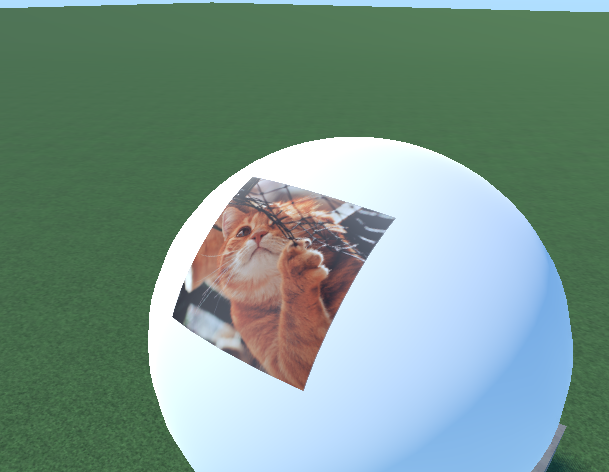
Decals
Decals are now actual decals! There's a new Decal class that allows wrapping an image into objects. The decals as you know from the current creator can still be found as Image3D.
Other changes
The changes we've showcased in this blog post are only the tip of the iceberg. There are many other things we've added like 3D GUIs, more control over the character model, UI masks, locking parts and much more. As always, 2.0 is still in development, so what you see today may look different a few weeks from now, with more stuff being added constantly.
Will my places work in 2.0?
The jump from 1.0 to 2.0 will be a massive one which involves many changes to the project format and scripting API and compatibility with old places is pretty important. However, we cannot ensure 100% compatibility with 2.0. Most of your builds will continue to work (even including legacy places from Bloxtopia/Superium). Scripts will be running under a compatibility mode which tries to emulate the old scripting API and loosens restrictions a bit. But it's always possible that minimal code changes are required for your place to work well, however it's too early to say now.
So, where are we now?
Here's the roadmap of our progress so far:
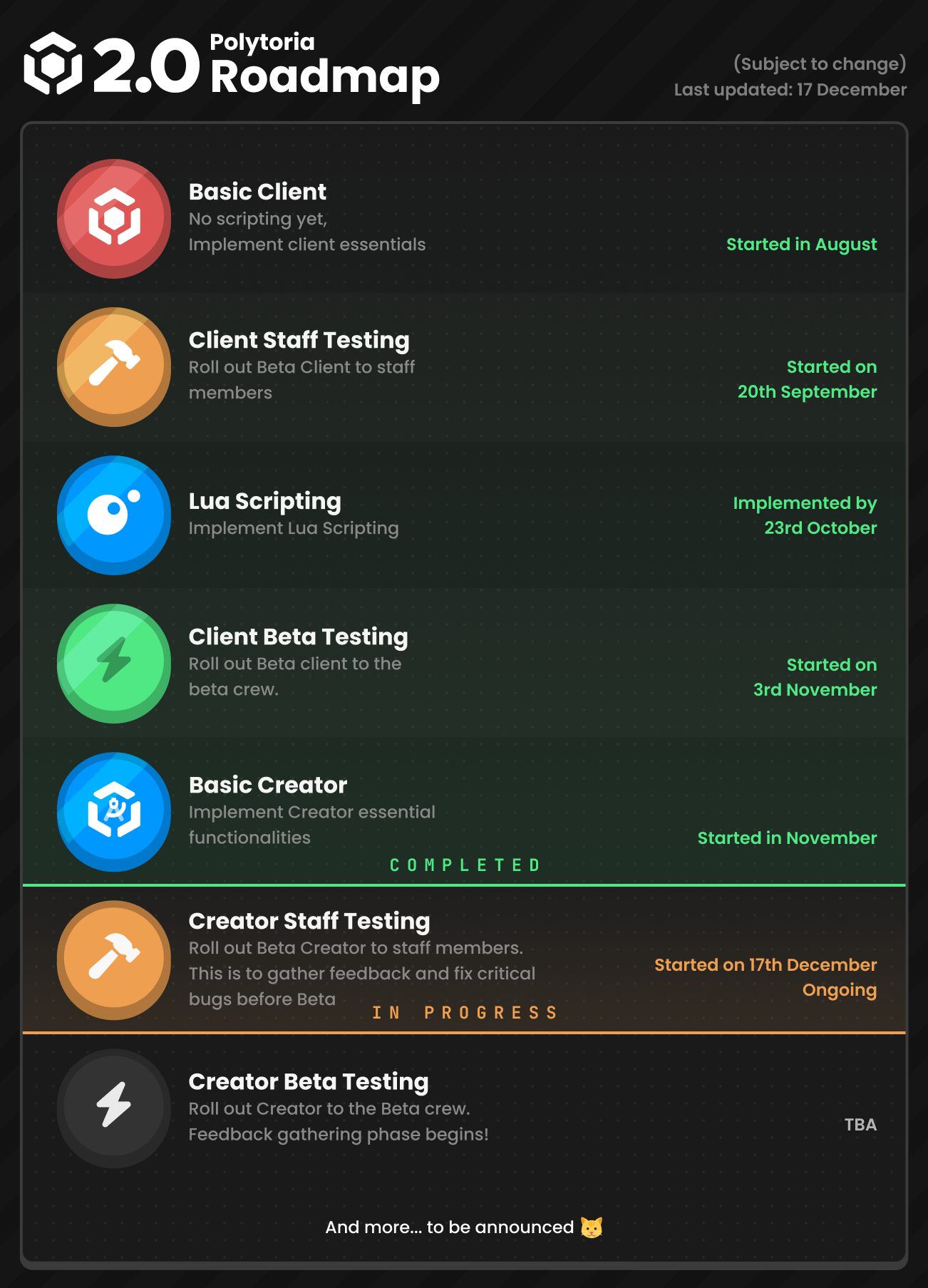
And that’s all for this progress report. Thank you for taking the time to check out what we’ve been working on, and we’re excited to share more updates soon! You can also join our Discord server (13+) to get early insights into upcoming features and development progress.
See you next update, and happy holidays!